Why switch
No watermark on core PDF actions.
About this free PDF editor
Looking for a free PDF editor that actually works in the browser? freePdfdo is an online PDF editor built for people who need to edit, merge, split, compress, and convert PDFs without watermarks, paywalls, or a forced account. Whether you are fixing a resume, combining scanned pages, or preparing a document for email, you get a PDF editor free for core tasks — fast, private, and ready the moment you land on the page.
Many tools advertise a best free PDF editor experience but hide basic actions behind upgrades. freePdfdo keeps the promise simple: merge, split, extract pages, rotate, add text, run OCR, watermark, and optimize file size on the free tier with clean exports. That makes it a practical best PDF editor choice for freelancers, students, recruiters, and small teams who touch PDFs every week — not once a year behind a trial timer.
As a free online PDF editor, freePdfdo runs key workflows client-side where possible, so you spend less time uploading large files and more time downloading finished documents. Use it as your PDF editor online for quick fixes: reorder pages after a scan, combine attachments into one file, or shrink a PDF before sending. It is a true online PDF editor free experience — open the site, pick a tool, upload, download. No installer, no subscription nag on every click.
Users searching for an Adobe PDF editor or Foxit PDF editor often want professional features without desktop pricing. freePdfdo will not replace every enterprise workflow, but for common jobs — merge, split, edit text, OCR, compress — it is a lighter PDF editor online free alternative with no watermark on core exports. Compared to a Canva PDF editor, freePdfdo is focused on document utility rather than design templates: fewer distractions, faster path from upload to download. If you have been comparing PDF editor free online options, the difference here is speed, clarity, and a no-upsell baseline.
Searches for free PDF editor download or PDF editor free download usually mean you need to edit a PDF right now. freePdfdo works entirely in the browser, so there is nothing to install on Windows, Mac, or Chromebook. That is ideal when you are on a shared machine or cannot install software. You still get a capable free PDF editor online for merge, split, convert, and edit — with optional OCR for scanned pages — without waiting for an app store or IT approval.
From Google PDF editor workflows in Docs exports to classroom markup tools like Kami PDF editor, people need reliable PDF handling in the browser. freePdfdo supports text and image edits, highlights, stamps, Office-to-PDF conversion, PDF-to-image export, and searchable OCR output. Files are processed with privacy in mind: many actions stay on your device instead of round-tripping through a server. For anyone who wants a pdf editor free tool that respects their time, that matters.
Try the editor above: choose a tool, upload your PDF, and download a clean result. freePdfdo is your free PDF editor online for merge, split, edit, OCR, and compress — no watermark on core actions, no signup wall, and simple URLs like freepdfdo.com and freepdfdo.com/features.
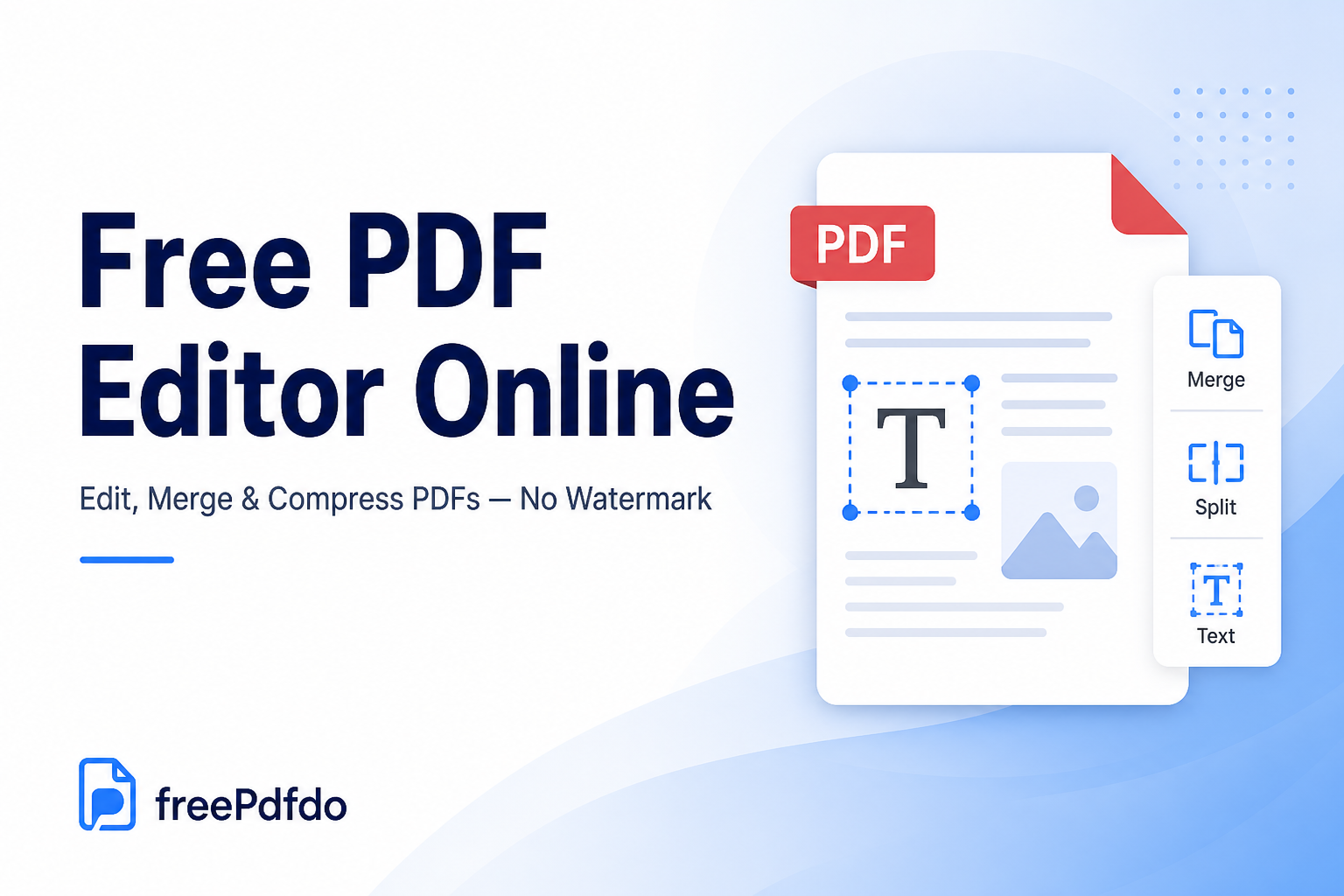
No watermark on core PDF actions.
Less waiting on large files by keeping more workflows in-browser.
No forced sign-up just to merge or split a document.
Core workflows
Keep the first release sharply focused on practical actions that save time for freelancers, students, recruiters, and small teams.
All featuresMerge, split, extract, reorder, and rotate PDF pages.
Convert images, text, HTML, and Office files to PDF.
Edit PDFs, run OCR, add watermarks, and optimize file size.
FAQ
A strong PDF editor combines fast page tools (merge, split, rotate), reliable text and image editing, annotations (highlights, comments, stamps), OCR for scanned pages, compression, and clean exports without watermarks. Browser-based editors add instant access with no install. Privacy matters too — processing files in your browser when possible keeps sensitive documents off slow upload queues.
Open your PDF in the editor, choose an annotate or edit tool, then add highlights, text boxes, stamps, or markup on the page. Resize and reposition each annotation, then save or export the file. In freePdfdo, open Edit PDF to add text, highlights, and stamps directly in your browser.
Google does not offer a dedicated PDF editor comparable to Adobe Acrobat. Chrome can display PDFs, and you can convert a PDF to Google Docs for text editing, but that changes formatting and is not true PDF markup. For direct merge, split, edit, and compress, use a browser PDF editor such as freePdfdo.
Microsoft Edge includes basic PDF viewing and markup on Windows and Mac. Word can open PDFs after conversion, but Microsoft does not bundle a full Acrobat-style PDF suite with Windows. For merge, split, OCR, and edit in one free online workflow, a dedicated PDF editor is usually faster.
Yes. Free PDF editors are available online and as desktop apps. freePdfdo is a free PDF editor online for merge, split, edit, OCR, compress, and convert — with no watermark on core exports and no account required for everyday tasks.
The best free PDF editor depends on your workflow. For merge, split, edit, compress, and convert without watermarks or aggressive upsells, freePdfdo is optimized for speed in the browser. Desktop suites like Foxit or Adobe offer deeper enterprise features but often require paid plans for full editing capability.
You can access a PDF editor by installing desktop software, using a built-in viewer like Edge or Preview, or opening a browser-based tool. The quickest path is an online PDF editor: visit freepdfdo.com, select a tool, upload your file, and download the result — no install or sign-up for core actions.
Foxit PDF Reader is free for viewing PDFs with limited features. Foxit PDF Editor — the full product with advanced edit, OCR, and security tools — is paid software, sometimes with a trial. For free merge, split, edit, and compress in the browser, freePdfdo covers core tasks without a subscription.
Power users and enterprises often choose Adobe Acrobat for collaboration, compliance, and advanced redaction. For weekly merge, split, edit, and compress jobs, a focused online PDF editor is the best balance of speed and cost. freePdfdo targets that everyday use case with no watermark on free core exports.
Mac users often start with Preview for simple markup, but Preview lacks merge, OCR, and full text editing. Adobe Acrobat and PDF Expert are popular paid Mac options. freePdfdo runs in Safari, Chrome, and other Mac browsers — a free PDF editor online with nothing to install.
Open the PDF, select the signature or stamp tool, draw your signature, upload a signature image, or use a saved stamp, then place it on the signature line and export. In freePdfdo, use Edit PDF to add a signature image or stamp. Most free browser editors do not require you to sign in to an account for basic signing.
Upload your PDF, open the edit tool, select a page, then add or change text, images, highlights, or stamps. Adjust placement and formatting, preview your changes, and download the updated file. freePdfdo handles many edits in the browser so you can finish faster.
Pick the task you need — merge, split, edit, compress, convert, or OCR — upload your file, set options such as page range or quality, process the document, and download the result. On freePdfdo, core tools work without an account and exports stay clean on the free plan.
Adobe Acrobat Reader is free for viewing and basic annotation. Adobe Acrobat Pro — the full PDF editor with advanced edit, OCR, redaction, and collaboration — requires a paid subscription. freePdfdo is a free browser alternative for merge, split, edit, compress, and convert.
Foxit PDF Editor is a desktop and cloud PDF suite from Foxit Software for creating, editing, annotating, and securing PDFs. It competes with Adobe Acrobat and is common in business environments. Foxit Reader is the free viewer; the full editor is a paid product.
Main PDF editor features include merging and splitting files, reordering and rotating pages, editing text and images, annotations (highlights, comments, stamps), OCR for scans, compression, format conversion, watermarks, and digital signatures. Advanced tools add redaction, forms, and batch automation.
Adobe Acrobat Pro is sold as a subscription; pricing varies by region and plan — check adobe.com for current rates. Acrobat Reader remains free for viewing. For zero-cost merge, split, edit, OCR, and compress, freePdfdo keeps core tools free with no watermark on exports.
You can use a free PDF editor online at freepdfdo.com — open the site in Chrome, Safari, Firefox, or Edge, choose a tool, and upload your file. No download, credit card, or account is required for core merge, split, edit, compress, and convert actions.
The best PDF editor matches your needs: Acrobat for enterprise compliance, Foxit for some business rollouts, Preview for light Mac markup, and browser tools for quick free tasks. For a free PDF editor online with merge, split, edit, OCR, and compress and no watermark on core exports, freePdfdo is a strong fit.
Yes. Core merge, split, edit, compress, and convert exports are not watermarked on the free plan.
No account is required for core tools. Open the site, upload your file, and download the result.